
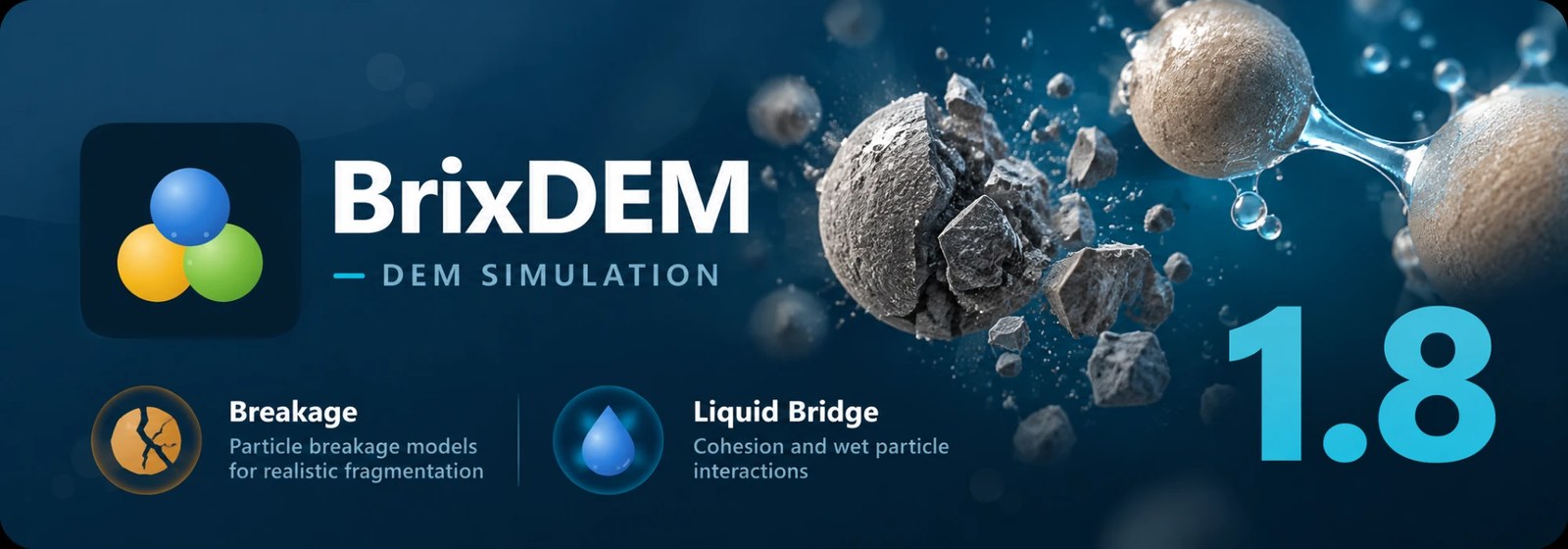
BrixDEM 1.8 is now available. This release adds two new physics to the solver: particles that break, and wet particles that stick together through liquid bridges. It also brings support for newer GPUs, a more flexible 3D view and a long list of interface improvements.
With breakage you can study crushing and fragmentation. With liquid bridges, materials that behave differently when they are damp.
Particle breakage
When an impact is strong enough, the particle is replaced by smaller fragments. How fine they come out depends on the impact energy and on the material parameters.
- New breakage model combining AB-t10 with particle replacement (PRM).
- Impact energy and compression force are now scalars you can color particles by, with charts for particles.
- Breakage also exposes the damage event and the fragment residence time as scalars.
Liquid bridges
Damp particles do not just bounce apart. When two of them touch, a liquid bridge forms between them and pulls them together, until they move far enough apart for it to break. BrixDEM 1.8 brings this cohesion into the solver.
- New Liquid Bridge model for cohesion and wet particle interactions.
- Liquid bridge results are available in post-processing.
Solver and GPU
- Contact slots are now dynamic instead of fixed.
- Support for newer GPU architectures: Ada, Hopper and the RTX 50 series.
- Checkpoints were adjusted for better precision, and a bug that restored the wrong motion position when resuming was fixed.
3D view and interface
Navigating a model is easier, and the interface now speaks one more language.
- A new P/O button, just below Reset view, switches between perspective and orthographic projection. It only appears in the 3D view, and the switch keeps the framing and orientation.
- Dragging follows the face axis, taking camera and zoom into account, and Esc cancels it.
- The field of view now matches between WPF and SharpDX.
- Spanish is now supported, and you can change the language straight from the menu.
- Scalars now show their units, and STLs can have colors.
- Up to 64 STLs can be embedded in the GUI.
- The list of configured interactions in a material has a remove all option.
- The tooltip for preserve E* (coarse-graining) was rewritten, and the automatic dt adjustment now shows its variation.
- The invalid maximum radius error message is now translated and easier to understand.
Sketch
- Lines now show their values and information.
- The circle now locks its radius.
- Very large STLs, which the solver already accepted, can now be imported in Sketch.
Fixes
- Play and snapshot no longer show the geometry one frame behind the particles.
- The time or ramp of STL and surface motion is now respected when pausing and restarting.
BrixDEM 1.8 widens what can be simulated, from crushing to damp materials, and smooths the day-to-day work around it.